
This article explores “Where Did That ChatGPT Traffic Go? Identifying AI Search Visits in GA4” through GEO Optimization, GEO, SEO, and AI search visibility so readers can quickly assess whether the approach fits their business context.
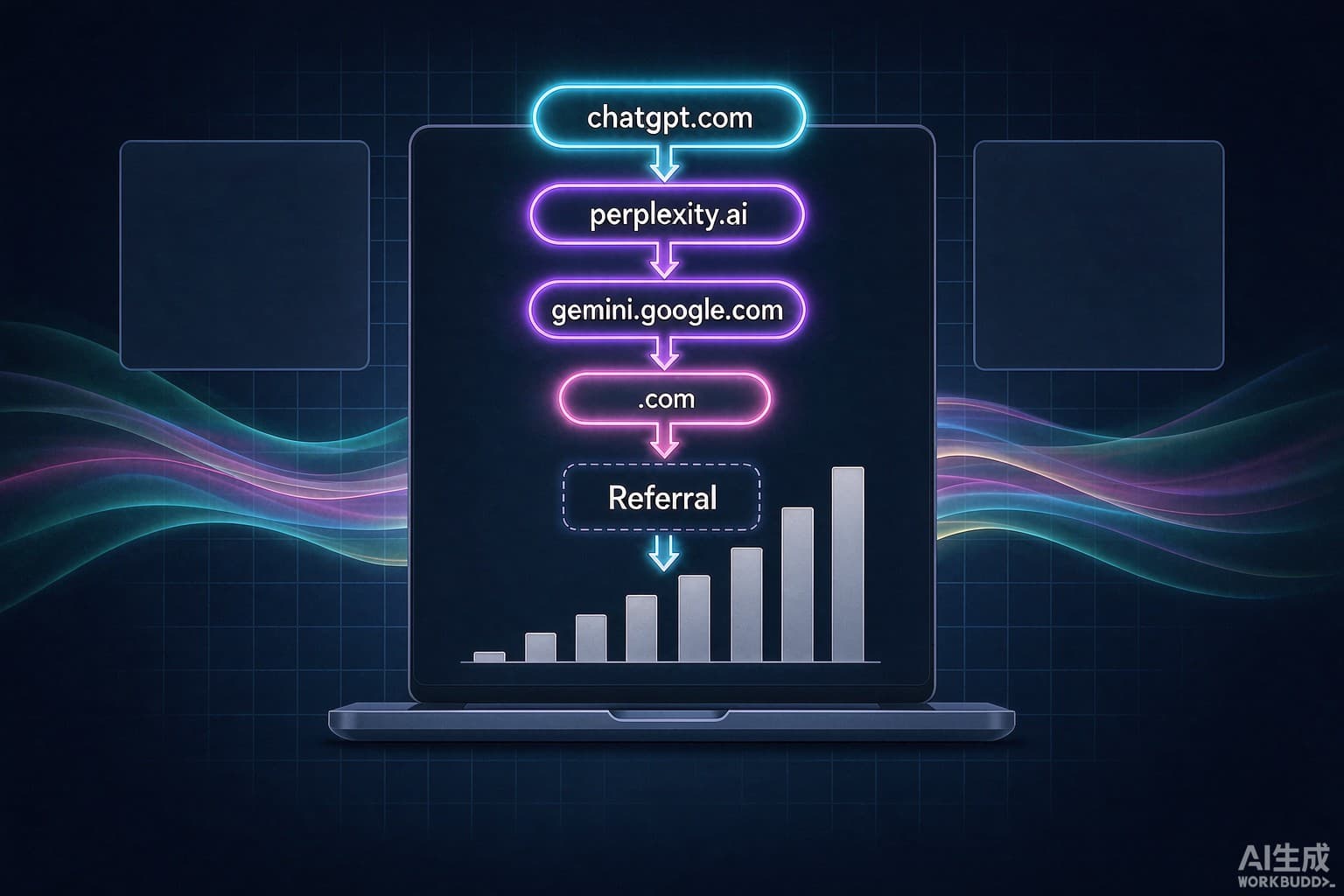
Bottom line first: ChatGPT and Perplexity traffic lands in GA4's Referral channel, and you can extract it with a session-source regex over the domain names. Gemini's traffic often gets booked as Direct — that is an attribution artifact, not missing traffic. Do not rush to buy a monitoring tool. GA4 is enough, provided you know where the traps are.
Step 1: recognize the AI source domains
The mainstream AI entry points and their GA4 session sources:
1. ChatGPT: chatgpt.com (the old chat.openai.com still shows in historical data)
2. Perplexity: perplexity.ai
3. Gemini: gemini.google.com — but a large share arrives with no referrer and falls into Direct
4. Copilot: copilot.microsoft.com, sometimes via Bing domains
5. Claude: claude.ai
What these have in common: https off-site referrers without search-term parameters, so GA4's default channel grouping dumps them all into Referral. You will not find them under Organic Search — which is why many teams conclude their AI traffic is zero.
Step 2: build the filter
Path: GA4 left rail, Explore, blank exploration. Drop Session source into rows and set the filter regex:
chatgpt\.com|openai\.com|perplexity\.ai|gemini\.google\.com|copilot\.microsoft\.com|claude\.ai
Add Sessions, Engaged sessions, and Conversions as metrics, and pull weekly trends. Five minutes, zero changes to your collection setup.
To make it permanent, two options:
1. Create a custom channel group in Admin (Custom channel definitions) named AI Search, matching Session source against that regex. Every standard report then grows an AI Search row automatically.
2. Or save a custom report with the filter locked in and share it with the team.
Step 3: read it against three comparisons
Extracting the channel is step one. Quality judgment needs contrasts:
1. Conversion comparison: AI Search conversion rate versus site-wide organic search. The pattern we keep seeing on our own site and client sites is the same — AI-referred sessions convert well, because the AI already filtered for the user before the click. This is why GEO value cannot be judged on absolute traffic; the full framework is in the three-ledger approach to measuring GEO.
2. Landing page comparison: check the top landing pages for AI traffic. If they concentrate on comparison pages, selection guides, and case studies, the AI is inserting you into the buyer's shortlist — worth far more than homepage traffic.
3. New user share: the AI Search channel skews heavily toward new users. That is incremental acquisition, not existing users switching doors.
Three attribution traps
Trap 1: Gemini booked as Direct. Some AI clients strip the referrer on outbound clicks, and GA4 records those as Direct. To verify: watch whether Direct-channel sessions landing on your content pages fluctuate in sync with AI citation growth. If they rise together, that is AI traffic wearing a Direct costume.
Trap 2: UTM survivorship bias. Several AI platforms strip or rewrite UTM parameters mid-jump, so your carefully tagged utm_source may never arrive. Do not judge the AI channel by a single UTM value — the domain regex is sturdier.
Trap 3: ChatGPT shares masquerading as search. When someone generates an answer with links inside ChatGPT and forwards it to a colleague, those clicks have no search intent. The volume is usually negligible; if it grows, the landing-page distribution gives it away — share traffic piles up on a handful of pages.
When to go event-level
Long sales cycles that need AI traffic tied to pipeline: add session source as a dimension on your form-submit event and build an AI Search by leads exploration. At that point GEO's contribution shifts from "feels useful" to "4 of 17 leads this month came from the AI channel."
A mid-size site should stop there. Cross-platform identity attribution beyond this point rarely pays for itself — move that budget into content instead. GA4 can only measure what happens after you get cited; making the citations themselves grow means going back to the 5-step GEO method and getting recommended by ChatGPT. For handing the full monitoring stack to a specialized team, see choosing a GEO agency.
Last point: set up the AI channel in GA4 today. Your future self will thank you at next month's review — the baseline starts counting from the day you build it. Every month you wait is a month of history you never get back.